
Description
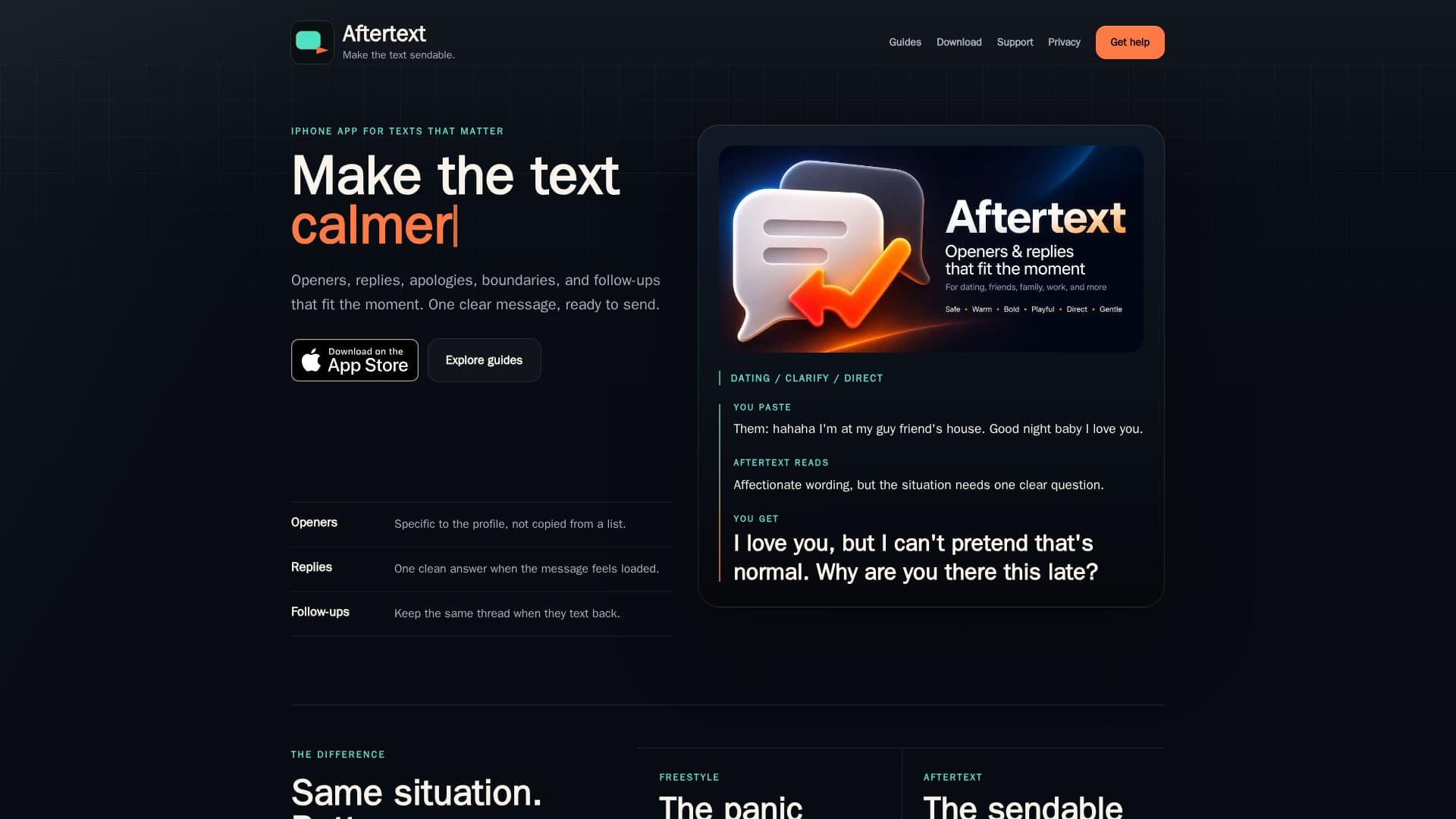
Aftertext is an innovative iPhone application designed to assist users in crafting natural and effective text replies, dating app openers, apologies, boundaries, and follow-up messages. The app is particularly useful for adults who often find themselves overthinking their text responses. By transforming pasted texts, dating profiles, screenshot transcripts, and rough thoughts into one coherent and copy-ready message, Aftertext ensures that users can communicate with clarity and confidence.
Read More
The app offers a variety of features tailored to different texting scenarios. Users can create dating app openers that are specific, confident, and easy to answer without sounding corny. It also helps in drafting replies that show interest without appearing desperate or over-explanatory. For more challenging conversations, Aftertext provides tools to write calm and direct replies to suspicious or ambiguous texts, ensuring that the message remains clear and composed.
Aftertext also excels in crafting apology texts that sound accountable and warm, avoiding long-winded speeches or self-centered apologies. Additionally, it helps users set boundaries with texts that are clear and hard to misinterpret, without sounding cruel or overly formal.
The app operates on a freemium model, allowing users to access basic functionalities for free. It is designed for iPhone users who need quick drafts, premium reads, and follow-up replies that maintain the context of the conversation. With its focus on privacy, Aftertext does not store raw pasted chats or screenshots by default, ensuring that users' data remains secure.
Overall, Aftertext is a valuable tool for anyone looking to improve their texting skills, whether for dating, work, family, or friends. Its ability to provide one focused draft for each situation makes it a reliable companion for navigating the complexities of modern communication.
- CategoryAI Writing Assistants
- Pricing ModelFreemium
- DeploymentApp Store
- PlatformsiPhone
Aftertext's Core Features
Natural text replies
Dating app openers
Apology texts
Boundary setting
Follow-up messages
Privacy-conscious
Freemium pricing
iPhone platform
How to use Aftertext?
Pick the lane: choose the type of message
Paste the moment: input the text or context
Send one clean reply: receive a polished draft
Use guides: access examples and tips
Aftertext's Use Cases
- Dating App Openers
- Apology Texts
- Boundary Setting
- Follow-Up Messages
- Tense Conversations